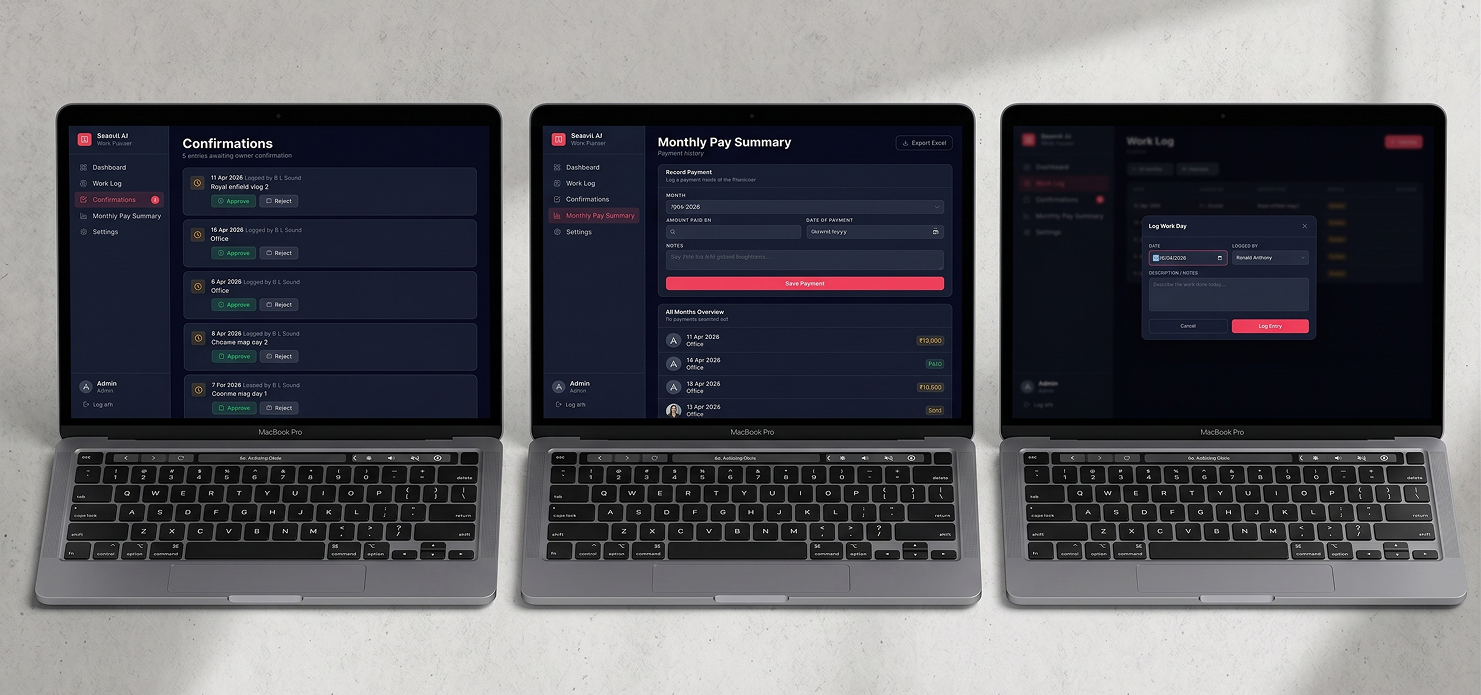
Tracking who worked what hours, approving daily logs, and calculating monthly payments across multiple freelancers is a nightmare in spreadsheets. Freelance Work Tracker replaces that chaos with a structured, role-aware system.
The product needed to serve two distinct users: admins who approve and pay, and freelancers who log and track — with completely different views, permissions, and workflows.
"Spreadsheets weren't built for multi-role workflows."
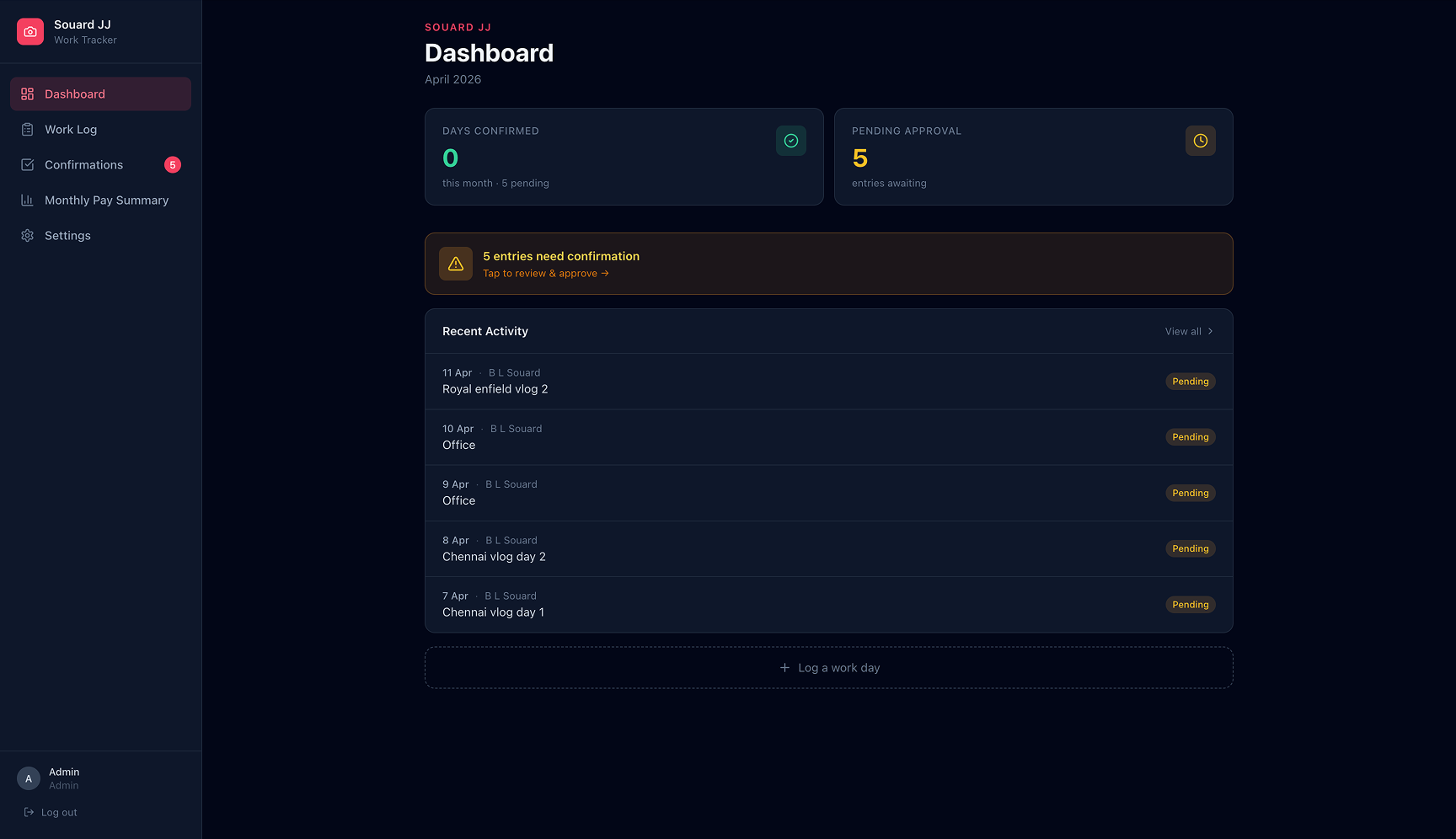
Admins see the full picture: all freelancers, all logs, pending approvals, and payment summaries. Freelancers only see their own logs and status.
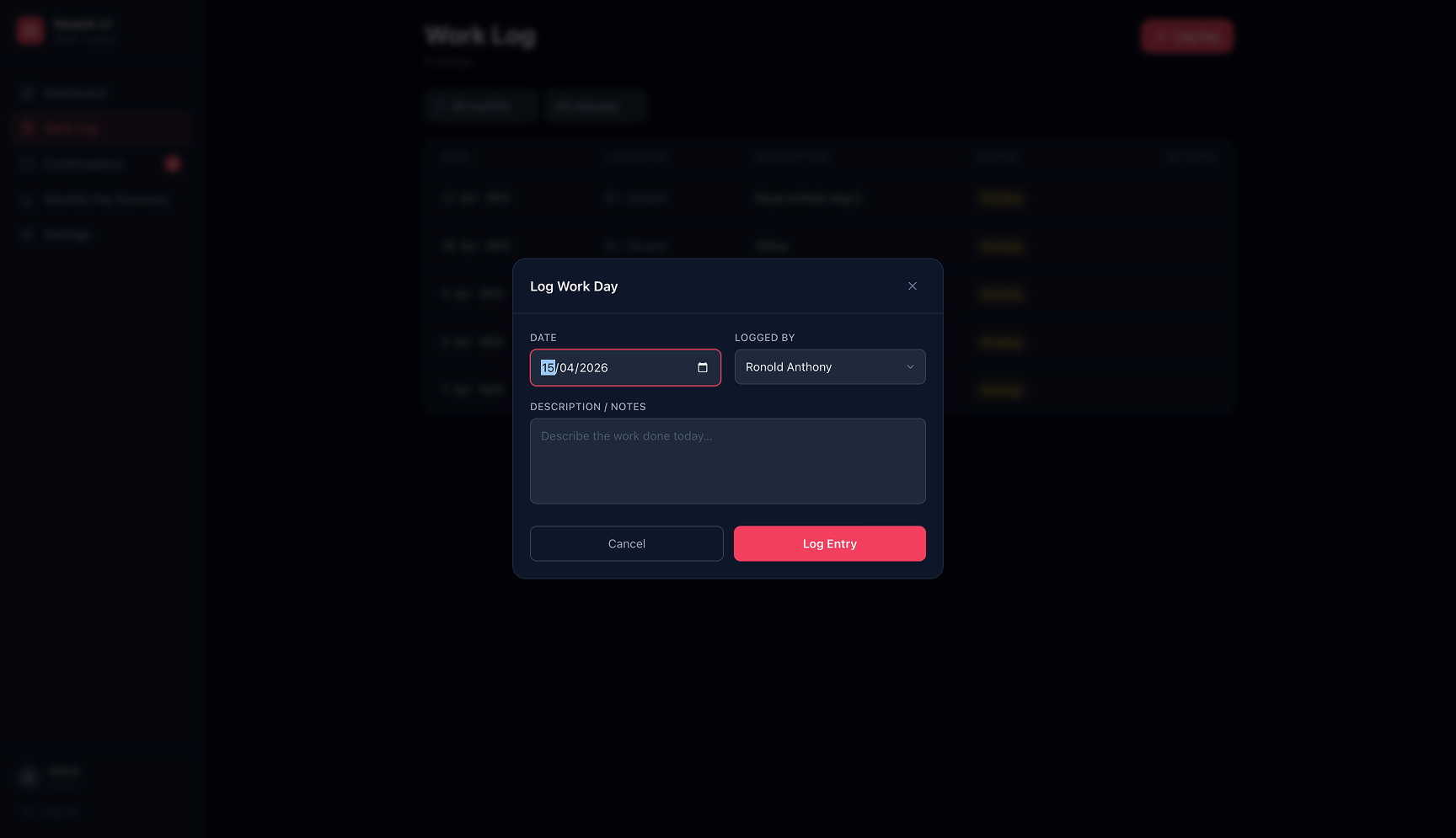
Freelancers submit daily entries. Admins review and approve or reject with a reason — creating an auditable trail of every work session.
Automatically calculates each freelancer's monthly earnings based on approved logs and hourly rate. One-click Excel export for payroll.
Built on Supabase, all changes reflect instantly across sessions — no refresh needed, no data conflicts.
Mapped two distinct user journeys — admin and freelancer — before touching the UI. Competitive analysis of tools like Deel and Toptal revealed they were over-engineered for small teams. The brief was clear: build something simpler and faster.
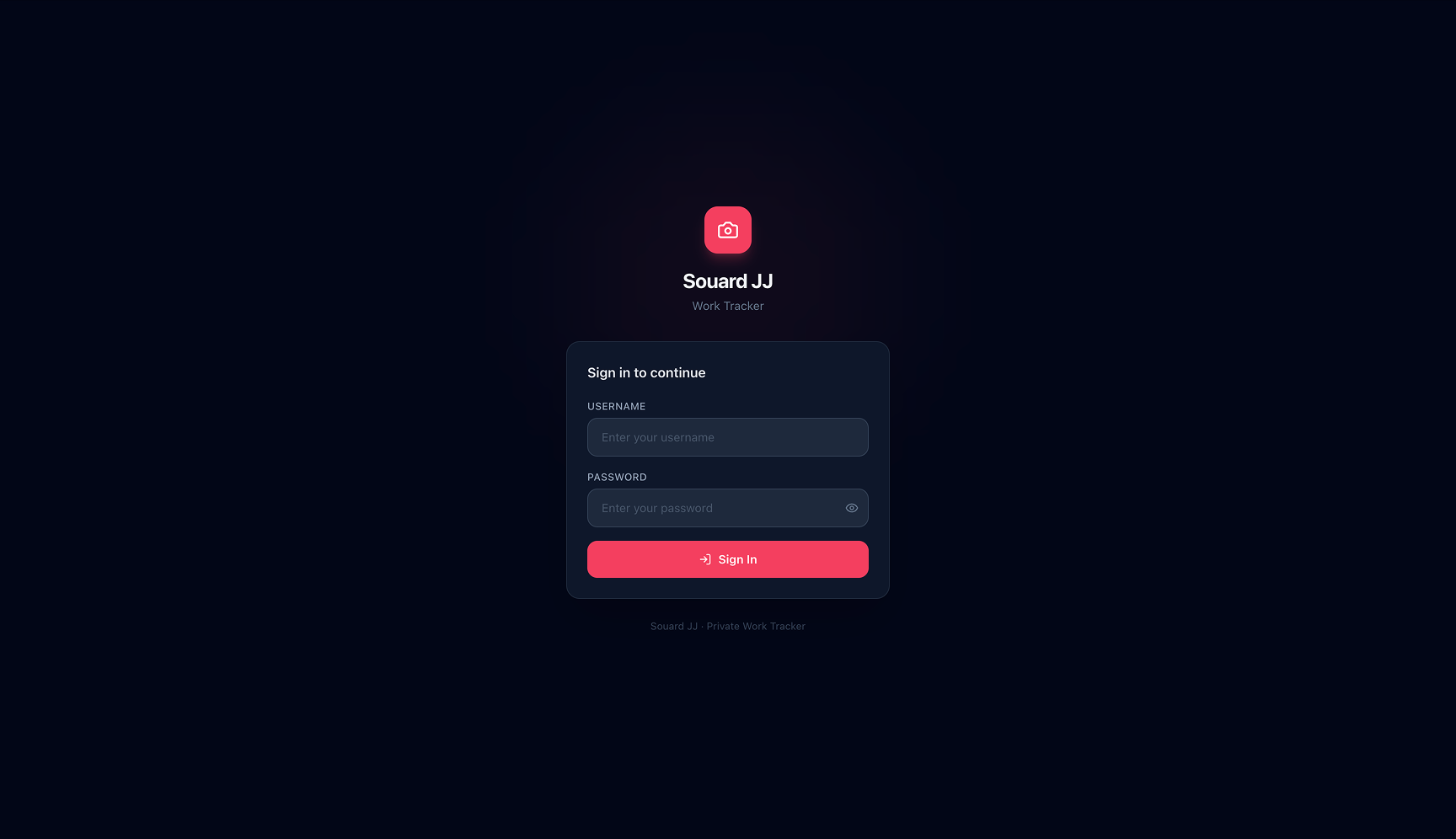
Designed parallel flows for both roles from the same component library. Key decision: a shared dashboard shell with role-aware content injection, so the codebase stays clean and the UX stays intuitive regardless of who's logged in.
Delivered full Figma specs, component annotations, and Supabase schema documentation. Conducted build QA — caught 8 spacing inconsistencies and 2 broken responsive states before sign-off.