Every new AI startup is essentially a wrapper — a thin interface layered on top of the same underlying models. The real leverage isn't in the model. It's in the prompt. And yet, prompts today live in scattered notes, private Notion docs, and disposable chat histories.
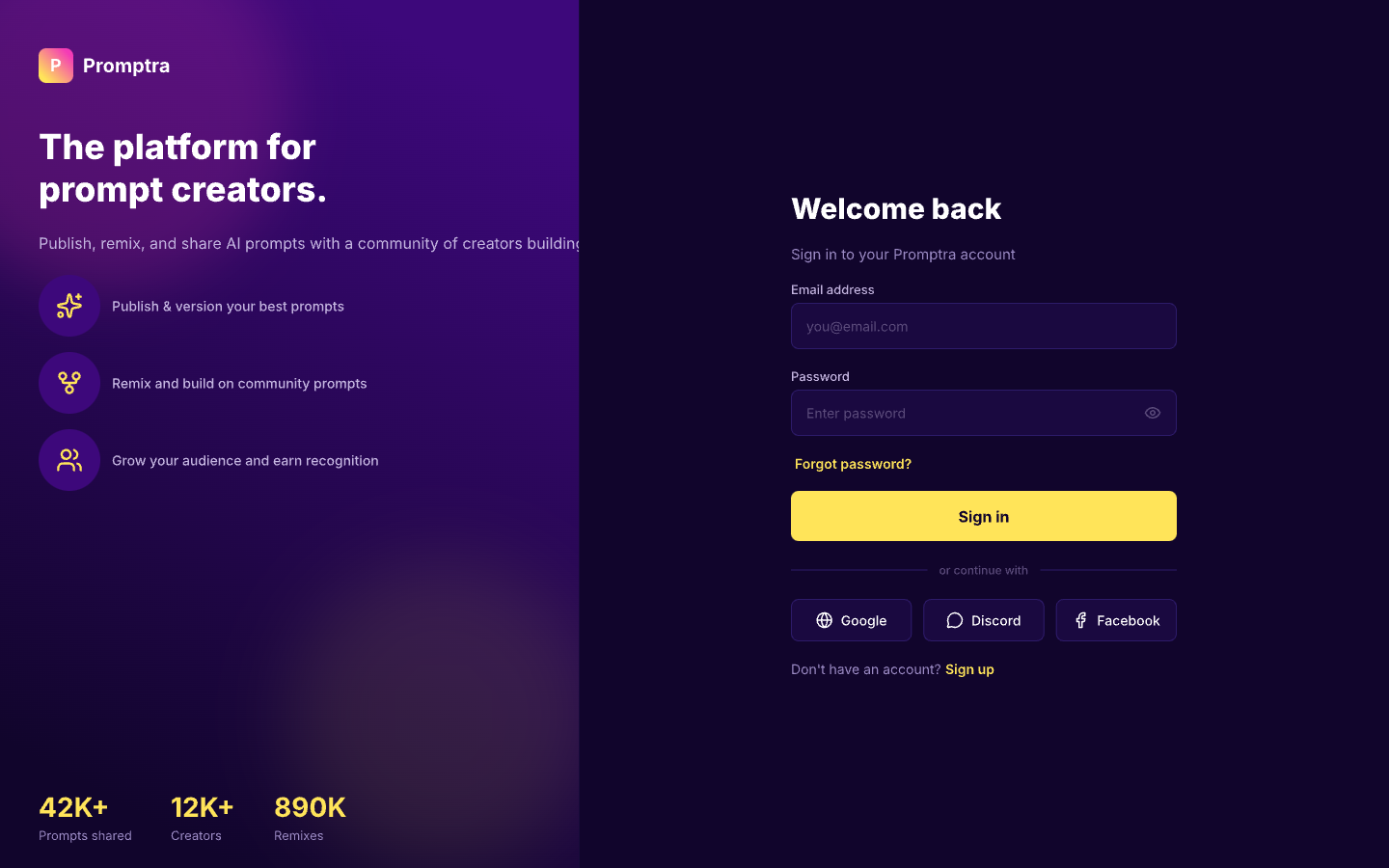
Promptra is a social platform where creators publish prompts, users find and use them across any AI tool, and the community can remix and improve them — in the open, together. Like GitHub for the prompt economy.
"The model is the same for everyone. The prompt is the edge."
Any creator can publish prompts for any AI model or tool — with context on what it does, what output to expect, and which model it works best with. Others can use it instantly.
Every published prompt maintains a full version history. Creators can update their original, users can see what changed, and the community always knows which version is the gold standard.
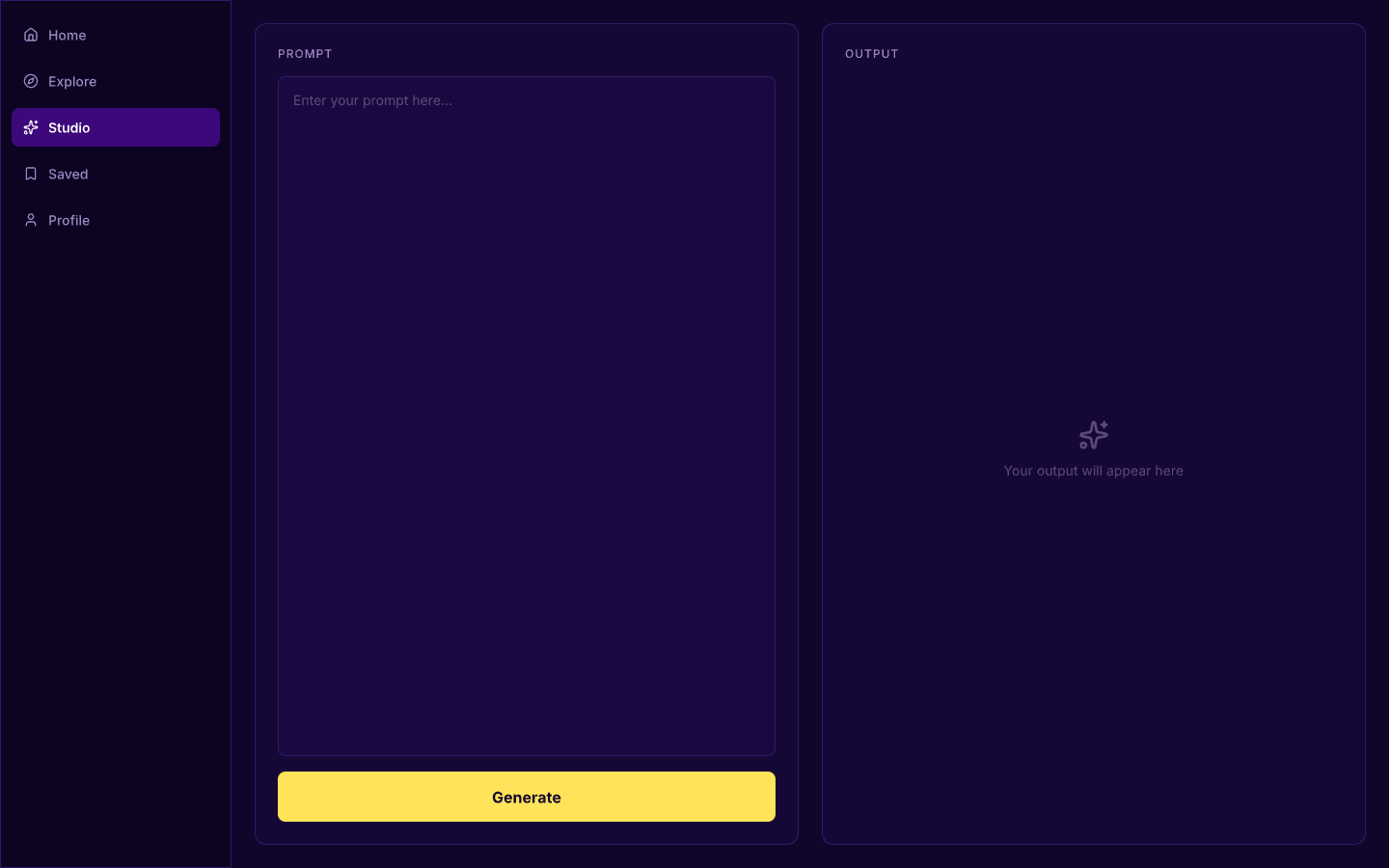
Users can remix any prompt directly inside the platform — tweak the wording, try a different angle, test the output — and publish their remix back to the community, crediting the original creator.
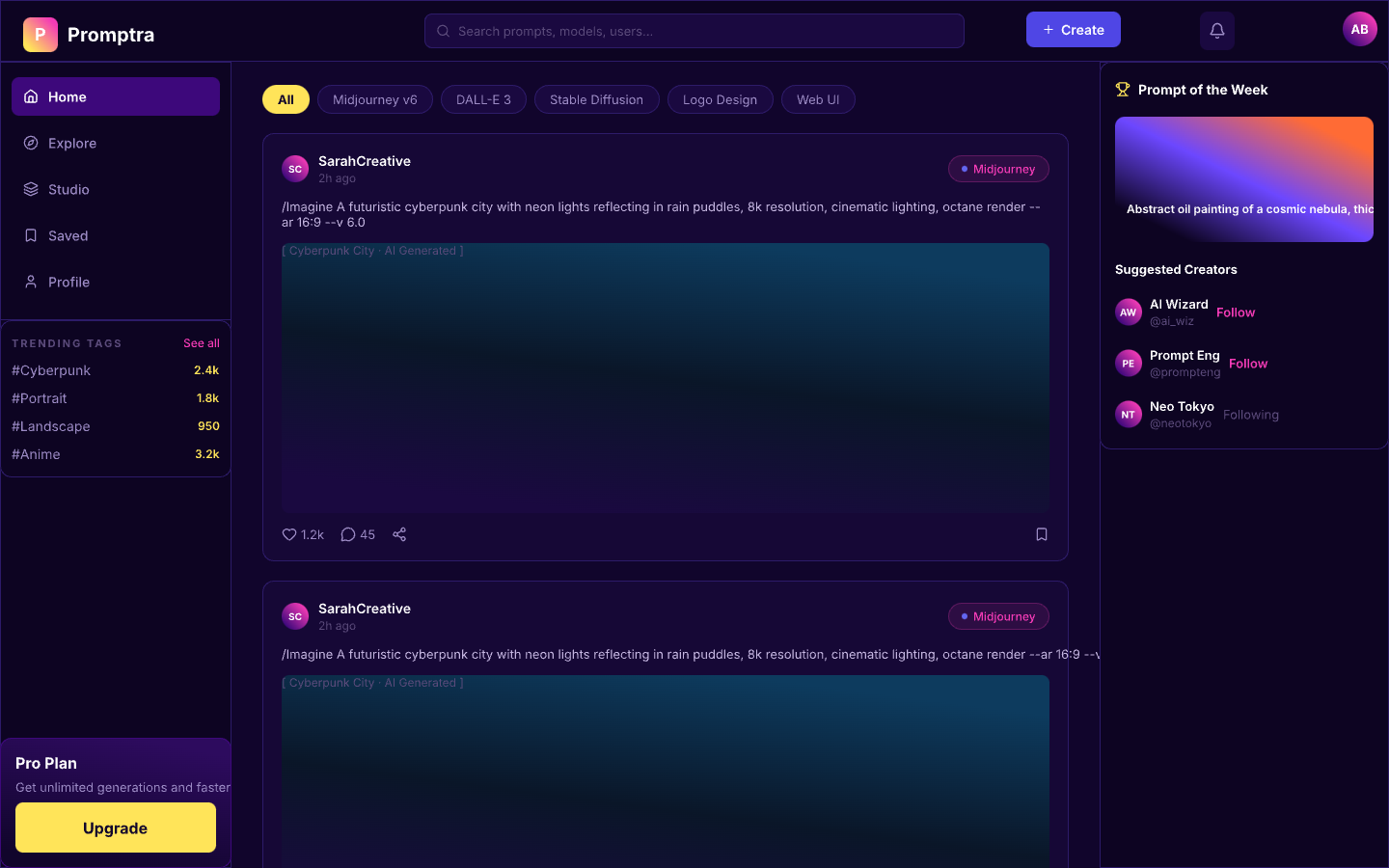
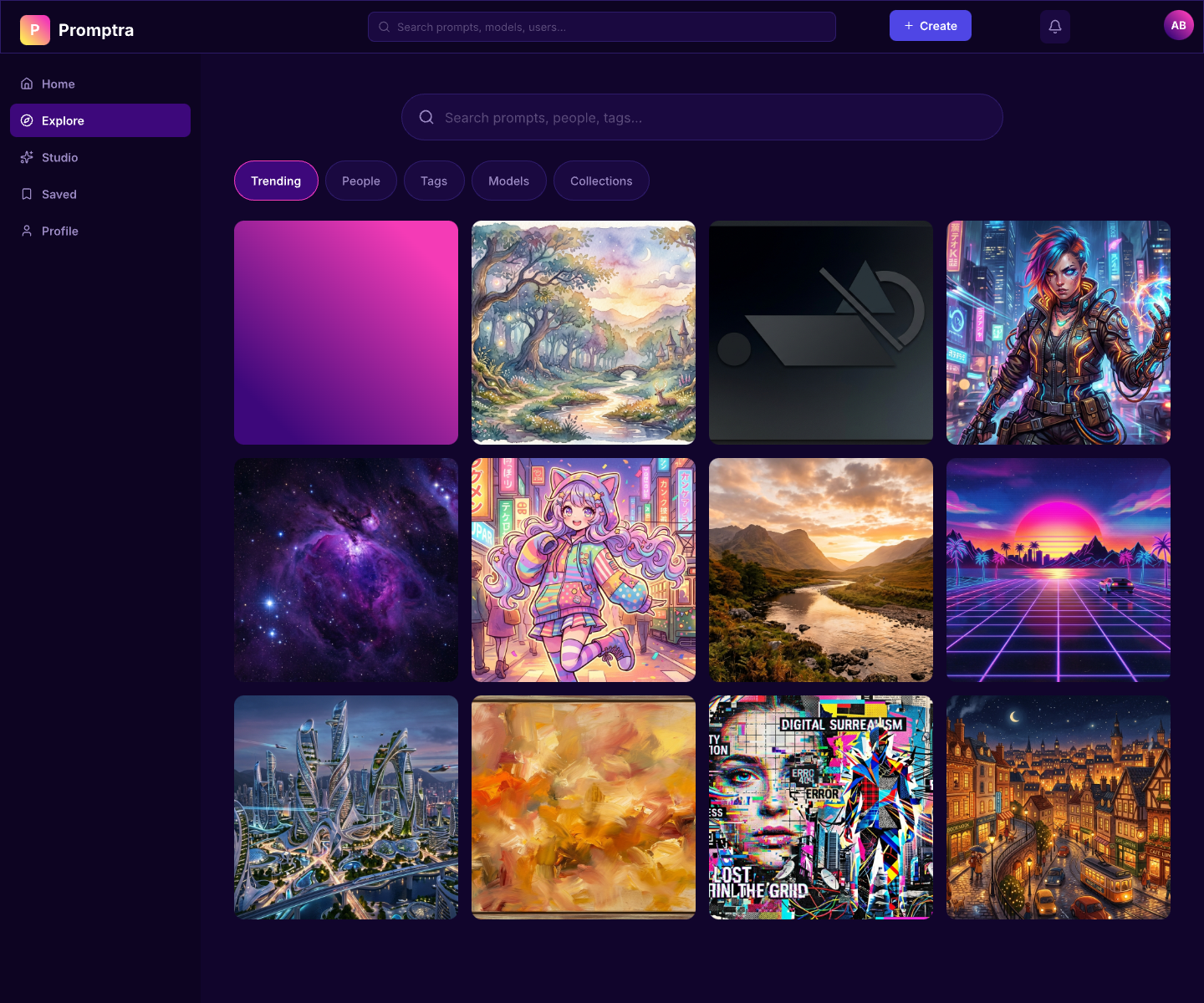
A feed of trending prompts, recent remixes, and creator updates. Follow prompt engineers whose work you trust, bookmark what you use, and discover what you didn't know you needed.
Observed that the boom in AI tools was creating fragmentation — hundreds of apps, same three models underneath. The real differentiator was prompt quality, yet there was no good place to share, refine, or build on prompts collaboratively. Audited PromptBase and PromptHero — both static libraries with no community loop.
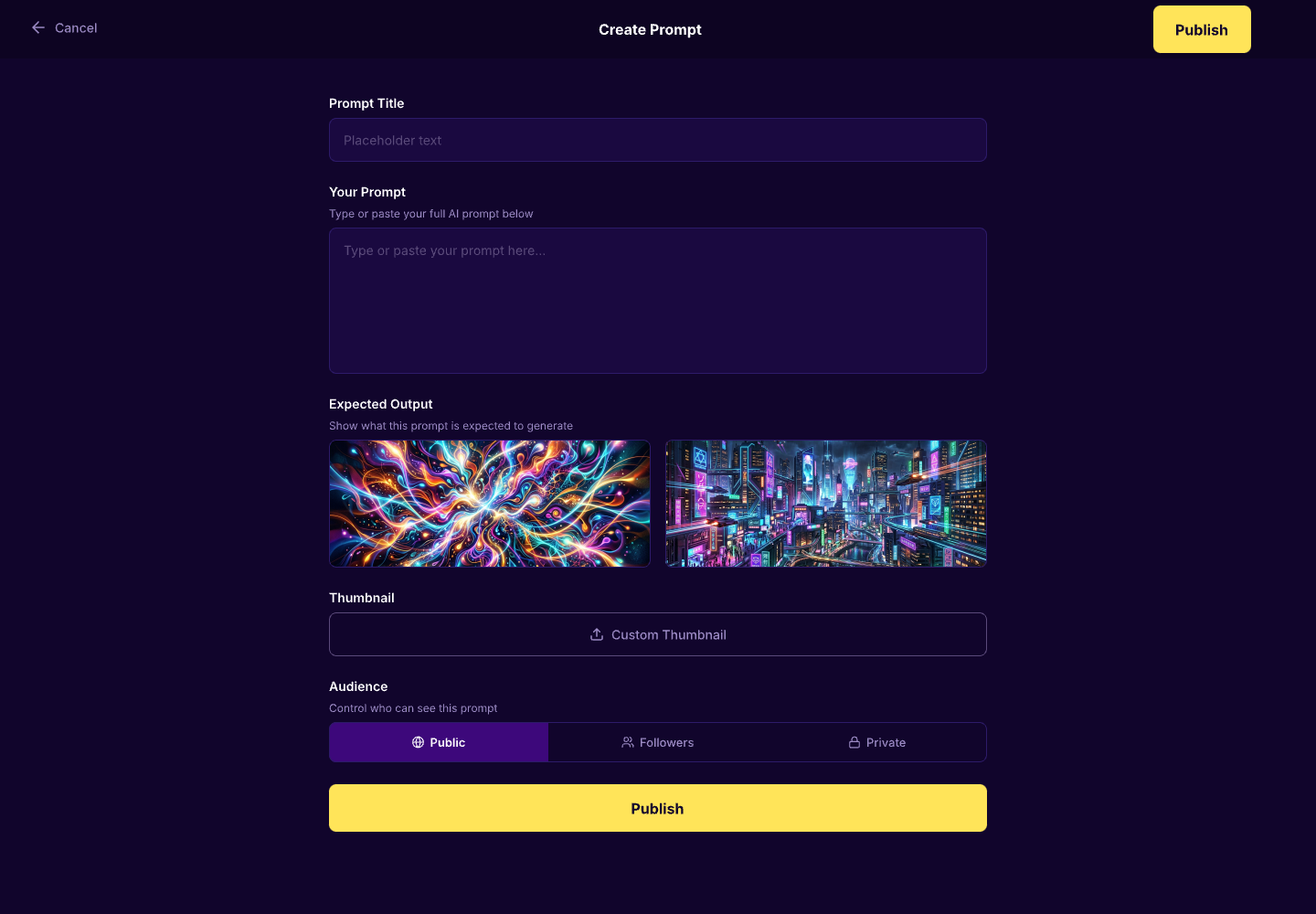
The remix flow was the central design challenge — making it feel as easy as sharing a tweet, while keeping version attribution clear. Designed the version history as a simple linear timeline (not a branch tree) so non-technical users could follow how a prompt evolved. The publish flow was kept minimal: title, model tag, prompt body, test output.
Designed the feed to surface remixes alongside originals — so creators get visibility for both their work and what it inspires. Category and model tags make prompts filterable without overwhelming the UI. The platform is built to reward quality over quantity, giving good prompts a longer discovery shelf life.